

Data
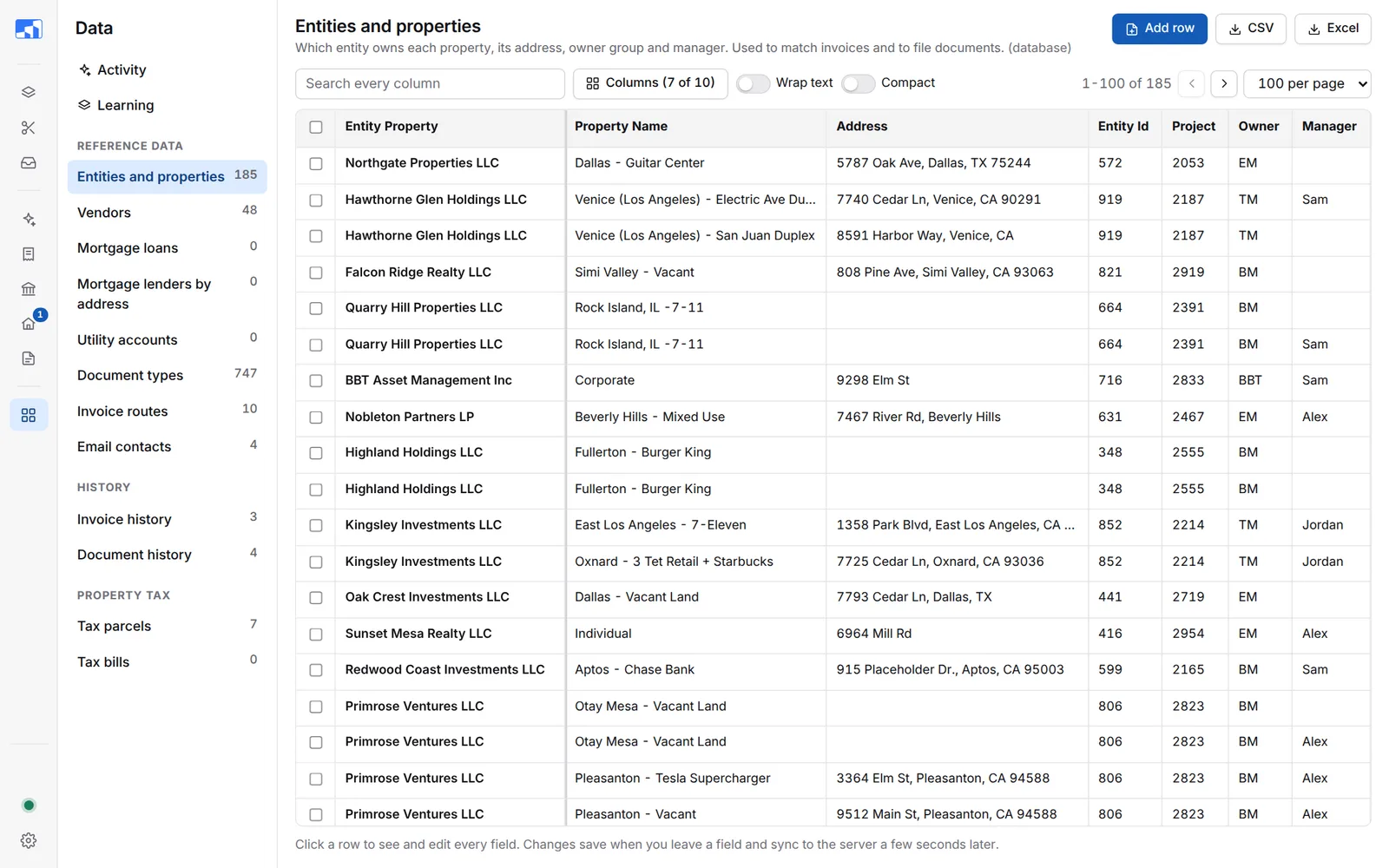
The Data page holds the lists Roz uses to match and file documents. Pick a list on the left. Edits save as you go and reach every PC.
To make room for the tables, the side bar shows icons only on this page. Point at an icon to see its name. Long tables scroll in their own box, with the column names always on top.
The Lists
| List | What it holds |
|---|---|
| Entities and properties | Which entity owns each property, its address, owner group and manager. |
| Vendors | Vendor names and codes, and which vendors are utilities. A new vendor with no code gets one made from its name. |
| Mortgage loans | Lender, loan number, property and payment details. |
| Mortgage lenders by address | Address and lender pairs that mark an invoice as a mortgage statement. |
| Utility accounts | Utility account numbers by property and vendor. |
| Document types | The types Roz sorts documents into, with category and keywords. |
| Invoice routes | Which Accounting folder each invoice goes to. See Invoice Routes. |
| Email contacts | Names and addresses offered in the Email dialog. |
| Invoice history / Document history | Everything Roz filed. Used for duplicate checks. |
| Tax parcels / Tax bills | Parcels synced from the Monday tax board, and bills saved. |
Edit a Row
-
Pick a list on the left.
-
Find the row
Type in Search every column. Click a column name to sort. -
Click the row
A panel opens on the right with every field. -
Change a field
Click into it and type. It saves when you click away. A small saved note shows next to the field name.
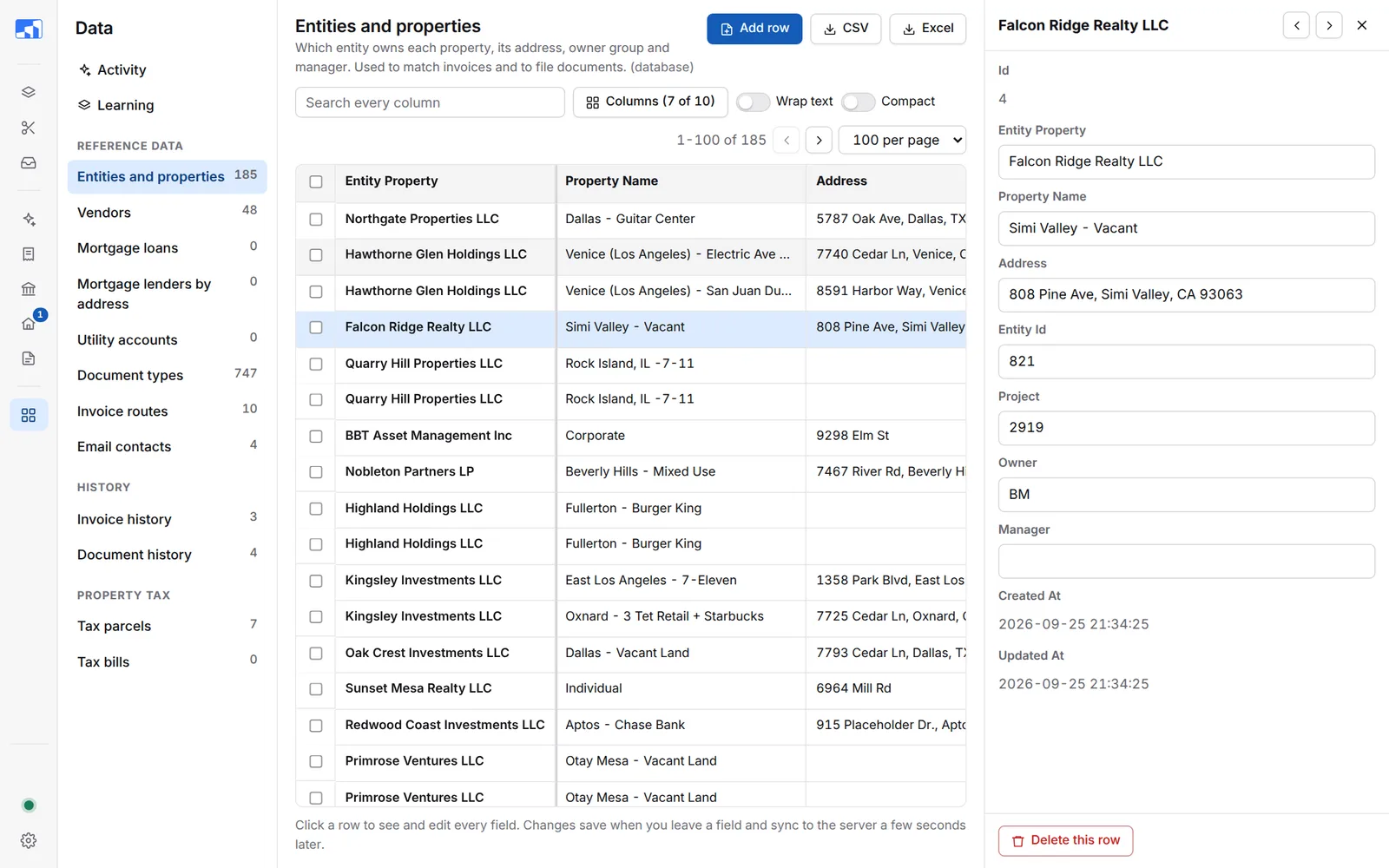
Use the arrows at the top of the panel, or Up / Down, to move between rows. Press Esc to close.
On Vendors and Document types, the panel has Check waiting documents. It looks for documents waiting for review that fit this vendor or type. When you add a new vendor or type, Roz offers the same check. Click Check them.
Other Actions
| Button | What it does |
|---|---|
| Add row | Add a new entry. Fields with * are required. |
| Delete | Tick rows, then click Delete. Export first if you might need them. |
| CSV / Excel | Download the list. With a search, only matching rows download. |
| Columns | Pick which columns show. Roz remembers your choice. |
| Wrap text / Compact | Change how rows look. |
Invoice Routes
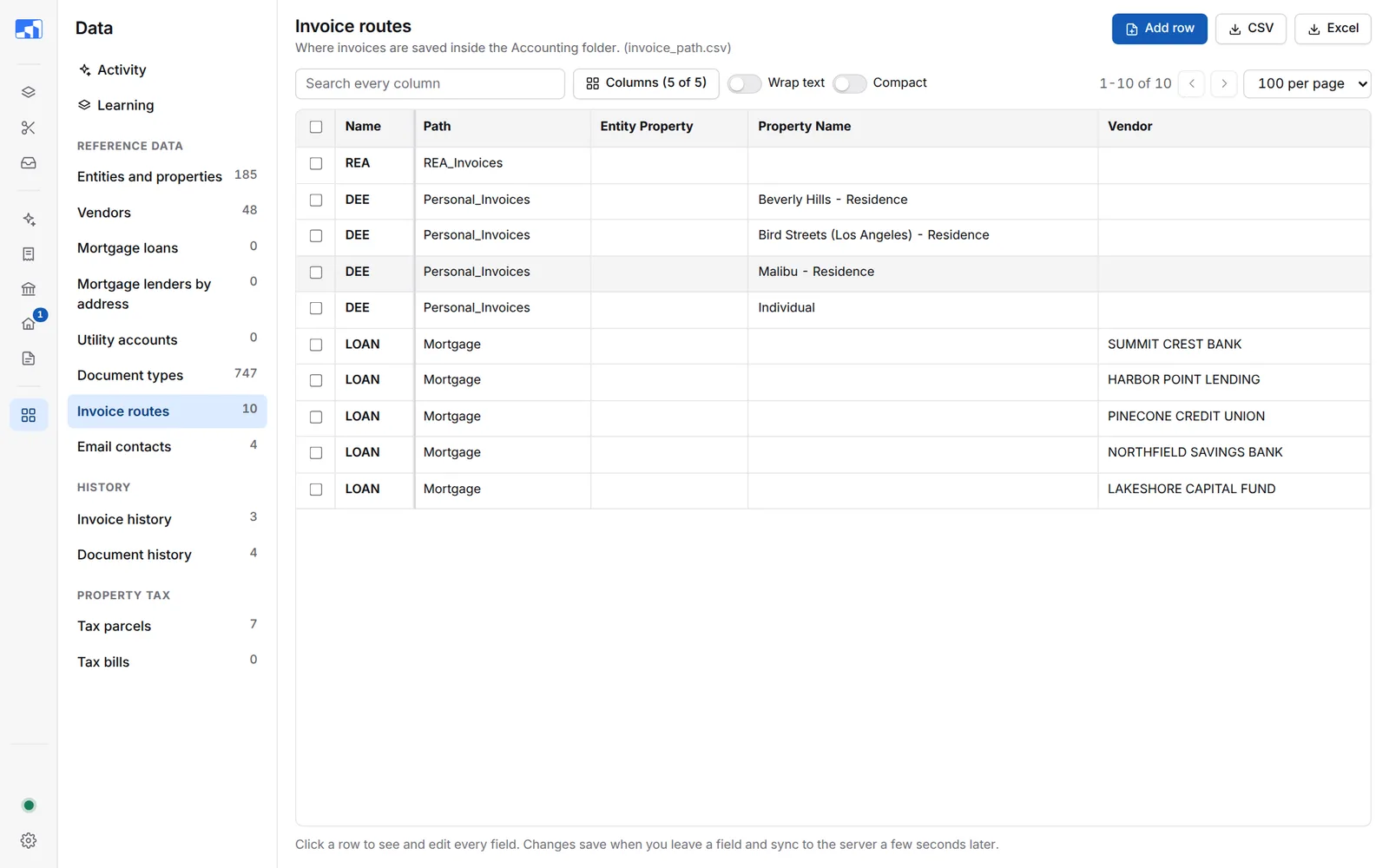
Invoice routes decide the Path on each invoice.
| Column | What it is |
|---|---|
| name | The label in the Path list, such as REA. |
| path | The folder under Accounting\, such as REA_Invoices. |
| entity_property | Optional. Match this entity. |
| property_name | Optional. Match this property. |
| vendor | Optional. Match this vendor. |
How Roz picks a route:
- Rows with at least one match column filled are checked first. The first row that fits wins.
- A row fits when every filled match column matches the invoice. Blank columns mean “any”. Capital letters do not matter.
- If nothing fits, Roz uses the row with all match columns blank. This is REA.
Examples:
- Personal residence: name
DEE, pathPersonal_Invoices, property_nameMalibu - Residence. - Mortgage lender: name
LOAN, pathMortgage, vendorSUMMIT CREST BANK. Type the vendor exactly as it is in the vendor list.
Rows that share a name show as one option in the Path list.
Activity
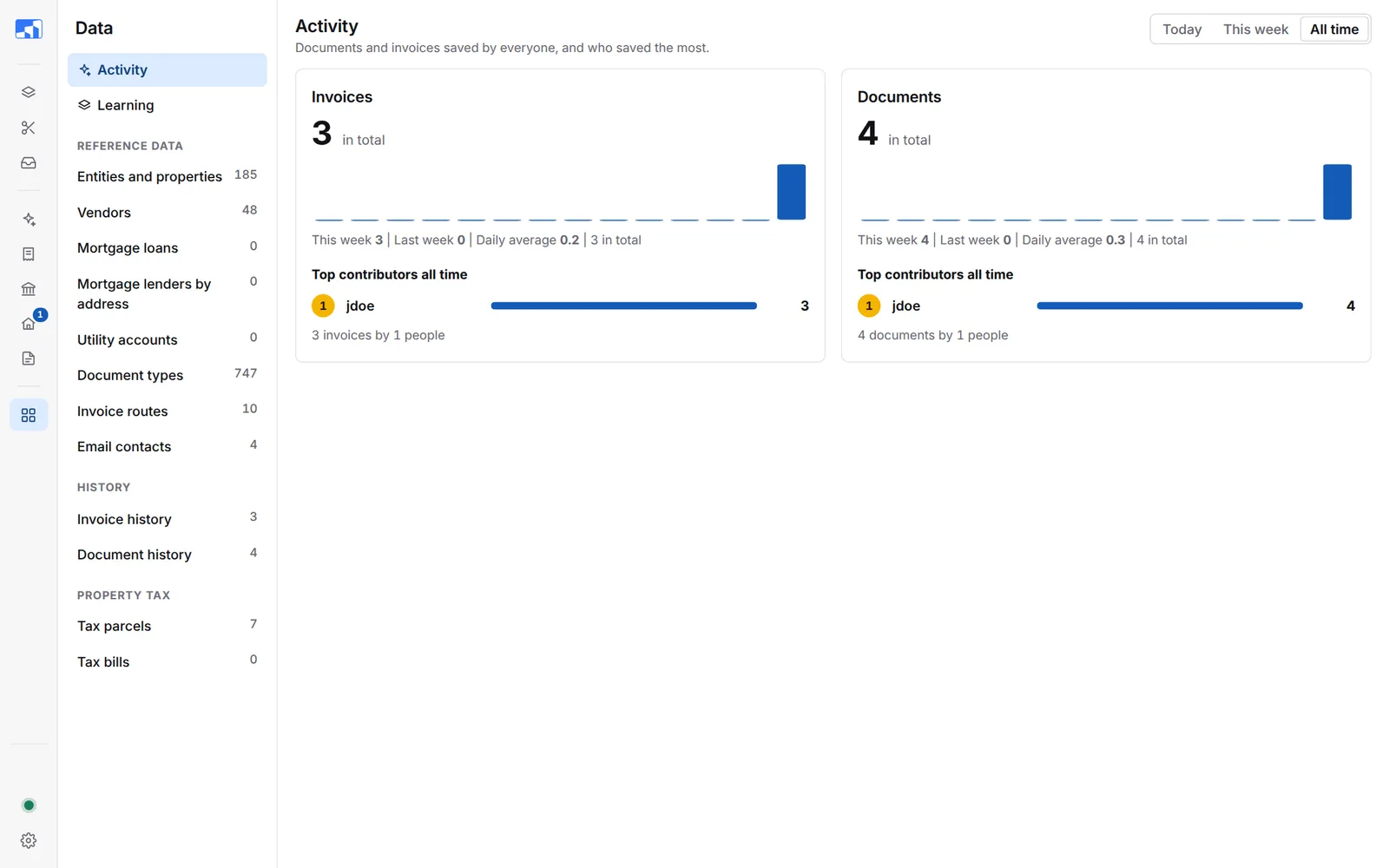
Activity shows how many invoices and documents were filed and who filed the most. Pick Today, This week or All time at the top.
Learning
Learning shows what Roz learned from the corrections you made when filing: addresses, entities, vendors, invoice number patterns and document types. Point at a ? to see what a number means.
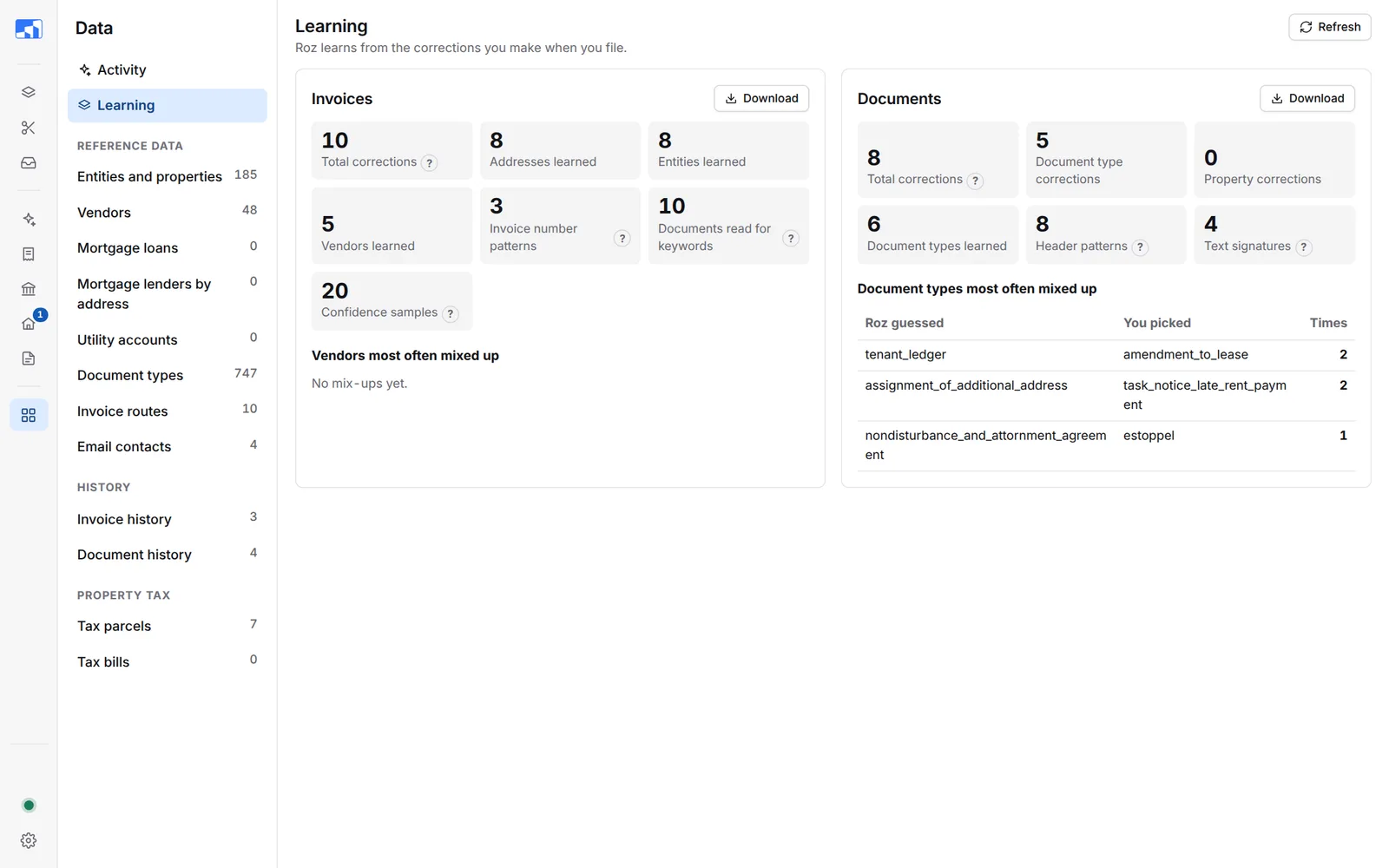
- Vendors most often mixed up and Document types most often mixed up show what Roz guessed and what you picked. Add a keyword to a document type when the same mix-up keeps coming back.
- Download saves the learning file.
- Refresh loads the latest numbers.